
TL;DR
To beat competitors in local search, study the three businesses in your Map Pack, then close the gaps: complete your Google Business Profile, earn new reviews after every job, and build one page per service and city. Start with reviews and your profile, since those gaps are the most visible to customers.
Key takeaways
- Search your service plus city in incognito mode and note the three businesses in the Map Pack.
- Compare review count, newest review date, category, photos and booking link against each rival.
- Send your review link the same day a job is finished.
- Write a separate page for each main service and each city you actually serve.
- Check your own market for ads above the local results before deciding on paid campaigns.
To outrank nearby rivals, you fix your Google Business Profile, collect fresh reviews, and build a page for every service and city you serve. That is how to beat competitors in local search without outspending them. The work is not complicated, but most owners skip the first step: looking closely at who is winning today and why.
In this guide:
- Study the three businesses that already win your searches
- Follow a seven step plan to close the gap
- Compare yourself to rivals with a simple table
- Understand how ads change the local results
- Avoid the mistakes that keep good businesses invisible
- Start this week with one clear next step
Study the three businesses that already win your searches
Open an incognito window, type the service you sell plus your city (for example, “mobile dog grooming Tampa”), and write down the three businesses in the Map Pack. Those three are your real competitors, not the company you personally think of as a rival. Then search again from a different neighborhood you serve. The order often changes, and that tells you where you are weak.
Now open each of those three profiles and take notes. You are looking for the facts that Google and customers can see:
- Review count and how recent the last five reviews are
- The primary category and any extra categories
- Number of photos and whether they look like real jobs
- Services listed, business hours, and the service area
- Whether they have a booking or quote link
- The website page their profile points to
Location matters more than most owners expect. Your competitors are being found by people standing a few miles from your front door, and you want that same customer.
How to beat competitors in local search step by step
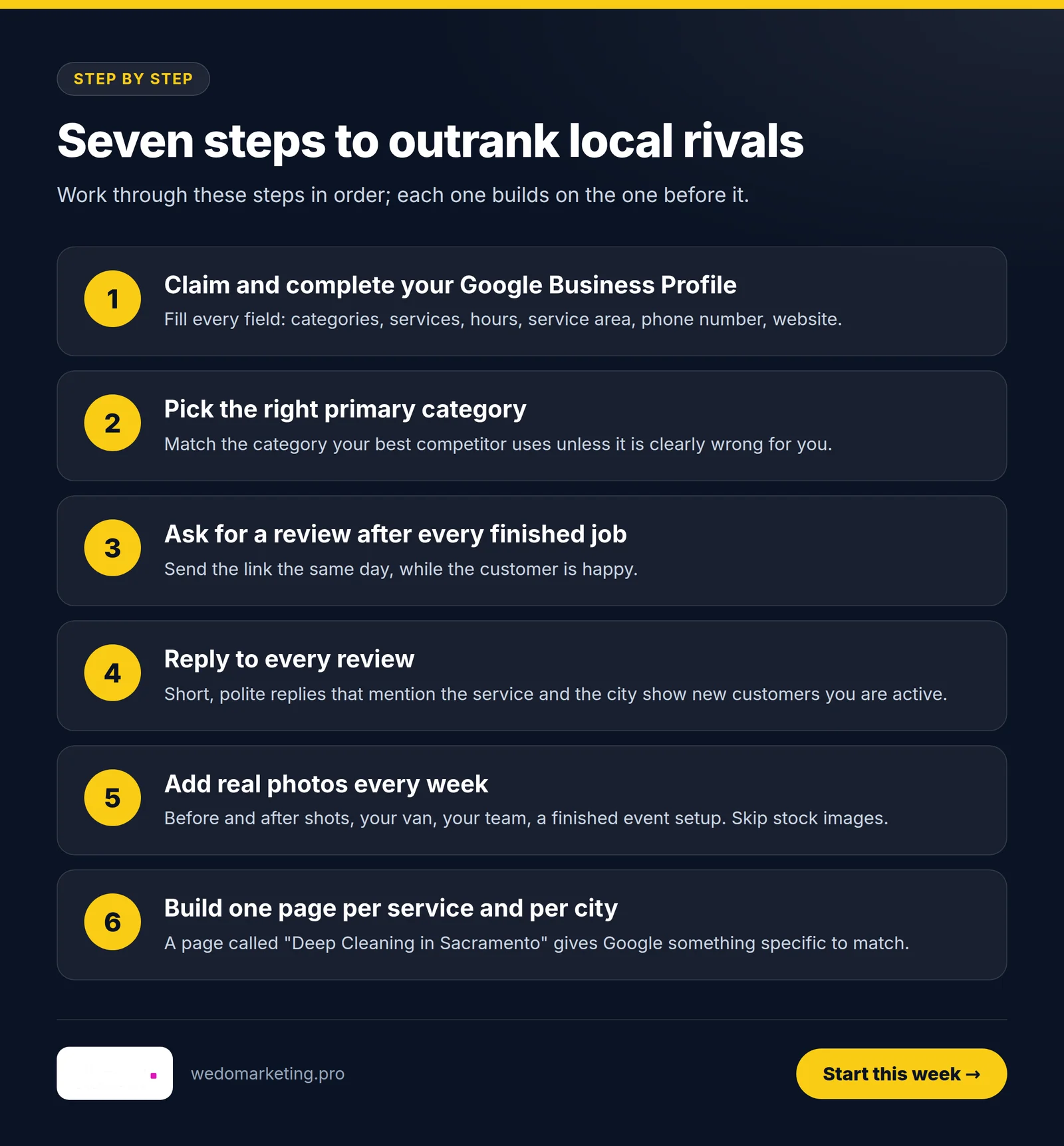
Work through these steps in order. Each one builds on the one before it.
- Claim and complete your Google Business Profile. Fill every field: categories, services, hours, service area, phone number, website. Google’s own documentation on adding business details to Google explains that a better business listing improves the details shown in Search, the knowledge panel and Maps.
- Pick the right primary category. A house cleaner who chooses a broad category can lose to a competitor who picked the exact one. Match the category your best competitor uses unless it is clearly wrong for you.
- Ask for a review after every finished job. Send the link the same day, while the customer is happy. A steady flow of new reviews beats a burst of old ones.
- Reply to every review. Short, polite replies that mention the service and the city show new customers you are active.
- Add real photos every week. Before and after shots, your van, your team, a finished event setup. Skip stock images.
- Build one page per service and per city. A page called “Deep Cleaning in Sacramento” gives Google something specific to match. A single page that lists everything rarely does.
- Keep your name, address and phone number identical everywhere. Check your website, Facebook, Yelp and any directories. Mismatches create doubt.
If you only have time for two steps, do steps one and three. A complete profile plus steady reviews is where most local gaps open up. Our Google Business Profile optimization page explains what a full setup covers.
Compare yourself to the top three with a simple table
Print this table, fill in your numbers and your three rivals’ numbers, and circle every row where you are behind. That list is your work plan.
| What to check | Where to find it | What to do if you are behind |
|---|---|---|
| Total reviews | Your profile and each rival’s profile | Send a review link after every job until you pass the third place business |
| Date of newest review | Sort reviews by newest | Aim for new reviews every week, not every quarter |
| Primary category | The About section or a category viewing tool | Switch to the most specific accurate category |
| Photos | Photos tab | Upload real job photos on a set day each week |
| Service pages on website | Search “site:theirwebsite.com service city” | Write one page per main service and city |
| Booking or quote button | Top of the profile | Add an appointment or quote link that works on a phone |
On booking links, Google has said that customers in some industries can book an appointment right from the business listing. That announcement in 2017 covered fitness, wellness and beauty businesses in the U.S. If you are in another trade, a clear quote or call link on your profile does the same job.
How do I see what keywords my competitors are using?
You do not need paid tools to get a good picture. Start with their website. Read the page titles in the browser tab, the main headings, and the words used on service pages. If three competitors all say “emergency water damage cleanup” and you say “restoration services,” you now know the phrase customers search.
Next, type the first few words of your service into Google and watch the suggestions that appear. Scroll to the bottom of the results page and read the related searches. Those are real phrases from real people. Write down ten, then check whether your site has a page for each one.
Finally, look at the questions Google shows under “People also ask.” Answering two or three of them on a service page gives customers a reason to trust you before they call.
Ads now share the space with the Map Pack
Some searches show paid listings above or inside the local results. How often that happens depends on your trade and your city, so check your own searches today to see what shows up in your market.
The takeaway is practical. If your competitors pay to appear first and you only rely on organic results, some customers will call them before they ever see you. Organic work (profile, reviews, pages) builds the long term base. Paid campaigns can fill the gap while that base grows. If you want to see how this works for trades, the local services case studies show how we structure the full setup for owner operated businesses.
Common mistakes that keep good businesses invisible
Mistake 1: Ignoring the review gap
If a rival has far more reviews than you, no profile tweak will fully fix it. Build a simple habit: a text with your review link after every completed job. Ask your front line staff to mention it before they leave.
Mistake 2: A single page for all services and cities
A single “Services” page makes it hard for Google to match you to a specific search. Give each main service its own page, and add city pages only for places you truly serve.
Mistake 3: Choosing a vague category
A broad category can place you in the wrong searches. Review the list of categories and pick the one a customer would use to describe your main job.
Mistake 4: Letting the profile go quiet
A profile with no new photos, no replies and no recent reviews looks abandoned. Pick one day each week, ten minutes, and update it.
Mistake 5: Copying a competitor word for word
Borrow their topics, not their sentences. Duplicate text adds nothing, and customers can tell. Use your own jobs, your own neighborhoods and your own photos.
Frequently Asked Questions
What are the top 5 SEO strategies that work for local businesses?
Start with a complete Google Business Profile. Add a steady flow of new reviews, one website page per service and city, matching name, address and phone details across directories, and real photos. Results take time and depend on your market, so track calls and booked jobs rather than rankings alone.
What is competition in business?
Competition is any company that tries to win the same customers you want. In local search, that means any business appearing when someone looks for your service nearby. It can include direct rivals, franchises and directory sites. Searching your own service and city shows who you are really up against.
How much should I pay for local SEO?
Prices vary widely by provider, market and scope, so ask what is included before comparing quotes. A clear proposal lists monthly tasks such as profile updates, review requests, new pages and reporting. Avoid anyone who guarantees a ranking, because no one controls Google’s results.
How do I see what keywords my competitors are using?
Read the page titles and headings on their service pages, then check Google’s search suggestions and related searches for your service. These show phrases real customers type. Paid tools can add detail, but this free method is often enough to find the pages your own website is missing.
Where to start this week
Pick one search your best customers use, and write down the three businesses that show up. Fill in the comparison table for each. Then fix the biggest gap first, whether that is reviews, a missing service page or an incomplete profile.
If you would rather have a team handle the audit and the ongoing work, you can see how our local SEO service helps you outrank nearby competitors.
Leave a Reply